Why OpenForge Moved from Tauri to Electron
The lean runtime argument is compelling until you need to debug something inside it. For developer tooling, observability should come before footprint.
The pitch for a lean desktop runtime is hard to argue with on paper. Ship a system WebView instead of bundling Chromium and your installer is lighter, startup is faster, and idle memory is lower. For a developer tool especially, this feels virtuous. Your users run VS Code, Docker, a browser with forty tabs, and at least three terminals. They know what RAM costs. They will notice if your app sits at 300MB doing nothing.
That logic is what made Tauri the obvious starting point for OpenForge. The footprint argument is real. It just turns out to be the wrong argument.
What “debugging surface area” actually means
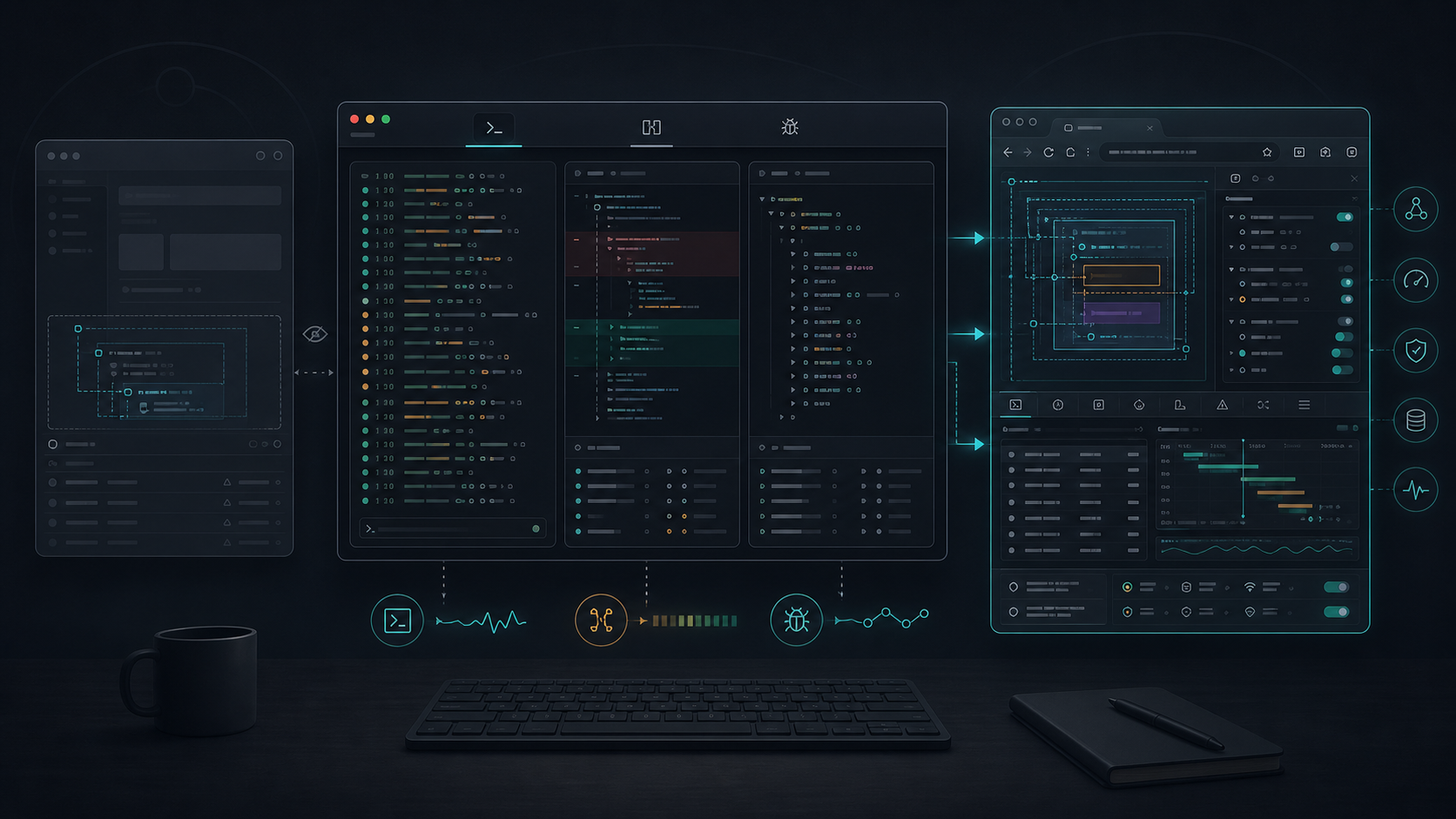
OpenForge embeds several complex web surfaces inside one window: a terminal, a diff viewer, an agent output panel, a file browser. These are not static pages. They consume WebSocket streams, render ANSI escape sequences, respond to shell state, and update in real time.
When any of those surfaces misbehave, you need to see what is happening. You need to attach DevTools, inspect the event loop, trace a broken render, find the renderer process that is silently eating an error and showing nothing.
With Electron, this is direct. Every window and embedded surface is backed by Chromium. You attach Chrome DevTools, use the same workflow you use everywhere else, and get a complete view of what is running. The debugging model is identical whether you are looking at the main window or a deeply nested WebView.
With a system WebView, it is not the same. On macOS, WKWebView supports DevTools through Safari Web Inspector, which requires enabling developer extras and attaching from a separate application. It is a different tool, with a different workflow, and it does not show you everything Chrome DevTools would. On Windows, WebView2 has its own DevTools story that does not map cleanly to the Chrome model either. The two platforms behave differently from each other and differently from the web development workflow you already know.
None of this is a catastrophic problem on its own. It becomes a problem when you are deep in a bug, under pressure, and you have to stop and relearn how to look at the problem. That friction compounds.
The permission surface
System WebViews do not just have different DevTools. They have their own policy layer around things you will hit constantly: navigation decisions, file picker behavior, clipboard access, drag-and-drop handling, media and device prompts, local file origins, and the delegate hooks that connect web content to native capabilities.
On macOS, WKWebView exposes these through delegate methods whose defaults have shifted across OS releases. On Windows, WebView2 covers the same ground with different APIs and different defaults. Neither platform behaves like the other, and neither behaves exactly like a browser. It is worth being clear that shell access and file system operations are not WebView permissions. In Tauri those live in the plugin and bridge layer, which has its own policy surface. But that bridge layer sits directly alongside the WebView, and when something breaks, failures often touch both. You are sometimes debugging two policy surfaces without a clear line between them.
With Electron, you manage permissions through Chromium’s session and permission request APIs. Navigation, clipboard, file handling, and local origin behavior are consistent across macOS and Windows because you ship the WebView version. Electron is not insulated from all OS prompts: camera, microphone, and notifications still go through the OS regardless of runtime. The difference is that the WebView layer itself is stable and inspectable rather than owned by whatever the OS shipped this release.
The problem is not security. Both models can be made secure. The problem is predictability. When something stops working after a system update, you need to know which surface to look at first. A class of bugs rooted in WKWebView delegate behavior changes is hard to reproduce in development and harder to explain in a release note.
Observability is a product requirement, not a preference
Most conversations about runtime choice frame it as a set of tradeoffs: footprint versus compatibility, bundle size versus update control. These are real tradeoffs and they matter.
For developer tooling, there is a constraint that sits above them: the tool has to be observable.
From the builder’s side, this means that when something breaks, you can see why. Complex embedded surfaces will break. That is not pessimism, it is just how software works. Your ability to diagnose and fix those breaks quickly depends directly on how much of the running stack you can inspect. A runtime that saves 150MB in the installer but adds an hour to every debugging cycle is not economical.
From the user’s side, this matters too. Developer tools are used by developers. When something breaks, they do not just report it, they investigate it. They open a console, check network traffic, poke at internal state. A tool that gives them no introspection surface treats them like end users of a consumer app when they are anything but.
For OpenForge specifically, the product premise is that you can see what the agents are doing and stay in control of it. A tool built on that premise needs to extend the same transparency to its own internals. (A debug experience that says “it should be working” is a fast way to lose the trust of people who debug things for a living.)
The frame worth keeping
This is not a case for Electron in general. For the right project, a lean runtime is the right call. A simple menubar utility, a settings panel, a desktop companion for a mobile app, these are cases where footprint matters and the debugging demands are manageable.
The case worth making is narrower: when you are building developer tooling that embeds complex, stateful web surfaces, the runtime you choose determines how much of your own product you can see. Optimizing that choice for footprint, at the expense of observability, is a trade that feels good at install time and expensive on every hard day of development after.
The right question is not how much does it weigh. It is: when this breaks, how much of it can I look at?
For developer tooling, that answer needs to be most of it.