Open Forge: a command center for AI coding agents
Open Forge is a local desktop app for managing AI coding agents without giving up control of the work.
AI coding agents can write code now. That part is no longer the surprising bit.
The harder problem is everything around the code: deciding what needs attention, keeping task state visible, reviewing changes, managing branches, watching CI, and not losing your thread across five terminals and three browser tabs.
That is why I am building Open Forge.
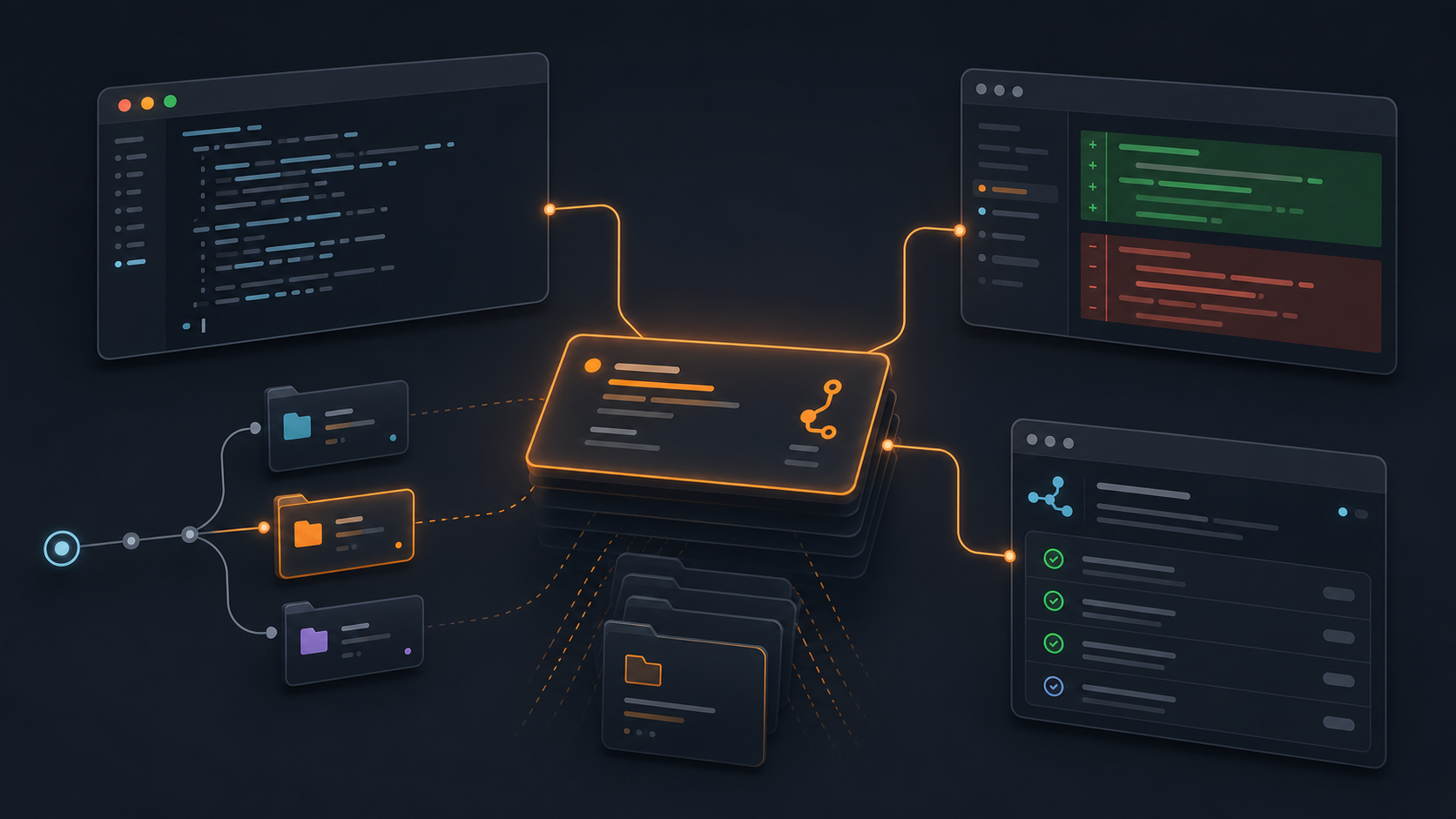
Open Forge is a local desktop app for running AI coding agents as real engineering work. You stay in charge. The agents do the implementation, but the app keeps the task, workspace, terminal, files, diff, review comments, and GitHub context together so you can focus on the next decision instead of reconstructing the scene like a tired detective.
The problem is attention
I started building Open Forge because my own AI development workflow was getting faster and messier at the same time.
A typical task had too many loose parts:
- a task description somewhere
- a branch in a terminal
- an agent session in another terminal
- local changes in a worktree
- a diff to review
- GitHub PR state and CI checks
- follow-up cleanup work that should not be forgotten
None of those pieces are complicated on their own. Together, they create drag. You spend too much time asking “where was I?” and not enough time asking “is this good enough to ship?”
Open Forge is built around the idea that agentic development needs a control surface. Not a bigger dashboard. Not more notifications. A focused place where the tools for each task stay with that task.
A task-scoped workspace
In Open Forge, work starts from a board. Pick a task, start an implementation, and Open Forge creates the workspace around it.
That means each task can get its own branch and isolated git worktree. The agent runs inside that context. The embedded terminal, file browser, diff viewer, comments, and review flow all belong to the same task.
This matters more than it sounds. When the task has a boundary, the work is easier to understand. You do not have to remember which terminal belongs to which branch or whether a change came from this agent run or the thing you were doing before lunch. The context is attached to the task.
Open Forge currently supports Claude Code, OpenCode, and Pi, with more agents coming. The provider layer is meant to be extensible, because the agent landscape changes approximately every fifteen minutes.
GitHub stays in the loop
Open Forge is not trying to replace GitHub. It is trying to keep GitHub close enough that you do not need to keep switching away to understand the state of the work.
The app syncs GitHub context such as pull requests, review status, comments, and CI checks. You can review agent changes, leave feedback, send that feedback back into the agent loop, and keep moving toward a PR without treating every step as a separate mini-project.
That review loop is important. The goal is not to let agents silently spray code into a repo and call it productivity. The goal is to make their work reviewable, contained, and easy to steer.
Keyboard-first, because focus is fragile
Open Forge is designed to be moved through quickly. There are shortcuts for the command palette, file quick-open, task search, project switching, new tasks, GitHub refresh, voice input, and board filters.
The point is not shortcut golf. The point is that navigation should not become another context switch. If you know what you need, you should be able to get there without breaking your train of thought.
That fits the broader product idea: keep the active context small, make the next relevant action obvious, and let the human decide when to switch attention.
Developer preview
Open Forge is a developer preview. It is macOS-first, open source, and changing quickly. It is already usable for real tasks if you are comfortable trying tools while the paint is still wet.
If you use Claude Code, OpenCode, or Pi, are curious about what agentic development workflows could feel like, or want to help build the thing, I would love for you to try it.
The ask is simple: check out Open Forge on GitHub, run one real task through it, star the repo if it seems useful, and tell me where the workflow breaks.
That feedback is the product right now. The whole point is to make AI-assisted development feel less like babysitting a pile of terminals and more like directing work from one calm place.